.svg)


.svg)

.svg)


 052925 - AI Translation 101 (1).png)


.svg)

.svg)


.jpg)
10 Essential Tips for Choosing the Right Localization Software?
Choosing the right localization software is crucial for businesses aiming to reach global markets. According to a study by Common Sense Advisory, 75% of consumers prefer to buy products in their native language. This statistic highlights the importance of effective localization strategies. Using the right software can significantly enhance user experience across different regions.
Many companies struggle with the complexities of localization. A report from Nimdzi Insights shows that 57% of businesses feel unprepared for localization challenges. They often encounter problems related to language nuances and cultural differences. This makes it essential to select localization software that suits your unique needs.
Proper tools can streamline your workflow and ensure consistency. In addition, the wrong software may lead to costly errors and miscommunication. Reflecting on past experiences can help organizations identify what features matter most. Ultimately, the right localization software can transform your approach to global outreach.
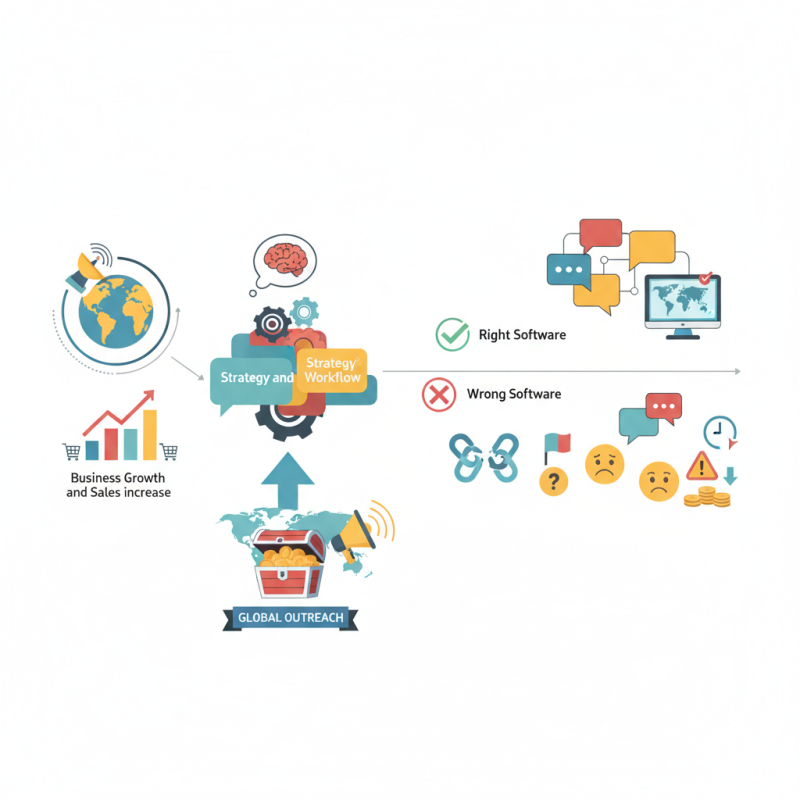
Table of Contents
[Hide]
Understanding the Importance of Localization Software in Global Markets
Localization software plays a crucial role in global markets. It enables businesses to adapt their products and services to various languages and cultures. As companies expand internationally, they must consider diverse customer needs. This software facilitates translations, cultural nuances, and market-specific content.
Choosing the right localization software can be challenging. Many options are available, but not all meet the desired needs. Factors such as user experience, integration capabilities, and scalability should be assessed closely. It's essential to reflect on your team's workflow and the anticipated volume of content. Sometimes, choices made without thorough evaluation lead to inefficiencies.
Understanding localization is more than just translation. It involves grasping the culture behind the language. Often, businesses underestimate these aspects. A misstep in cultural references can alienate potential customers. Regular feedback from local teams can help improve processes. Emphasis on continuous learning and adaptation is vital in this dynamic landscape.
10 Essential Tips for Choosing the Right Localization Software
| Tip | Description | Key Features | Considerations |
|---|---|---|---|
| 1. Define Your Needs | Assess your specific localization requirements, including languages and content types. | Multi-language support, file format compatibility | Ensure the software can handle your target languages effectively. |
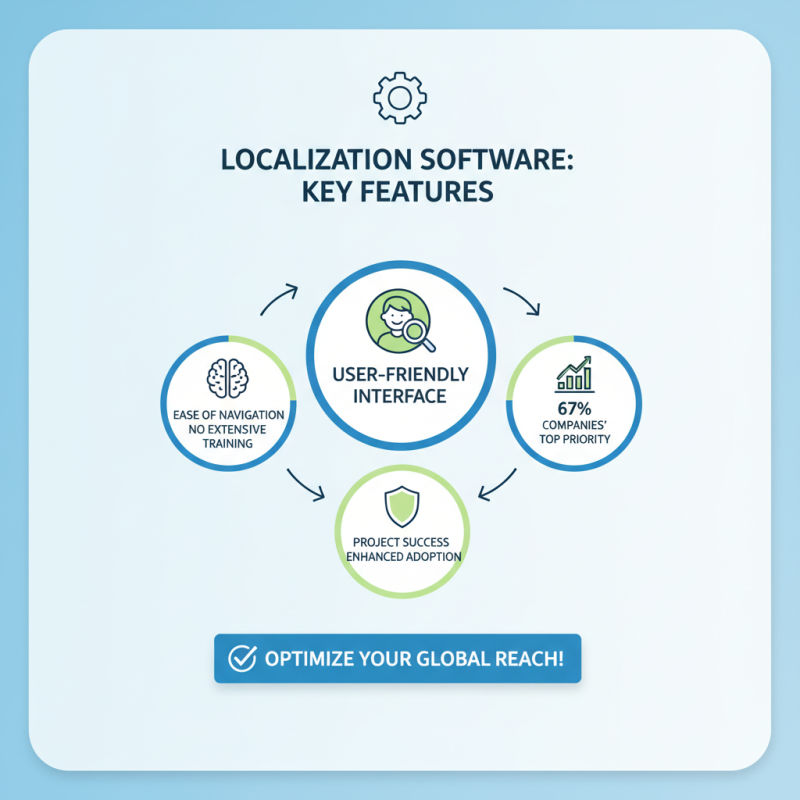
| 2. User-Friendly Interface | Choose software with an intuitive design that is easy to navigate. | Drag-and-drop features, customizable dashboards | Consider training needs for your team. |
| 3. Integration Capabilities | Ensure the software integrates well with your existing systems. | API access, plugins for popular CMS | Evaluate the technical requirements for integration. |
| 4. Scalability | Select a solution that can grow with your business. | Tiered pricing, customizable plans | Predict future localization needs. |
| 5. Quality Assurance Features | Choose software that includes features for quality control. | Automated QA checks, collaboration tools | Assess your quality assurance processes. |
| 6. Collaboration Tools | Look for functionality that supports teamwork among translators and managers. | Real-time editing, commenting features | Determine your team's collaboration style. |
| 7. Reporting and Analytics | Select software that provides insights into localization performance. | Custom reports, performance dashboards | Identify metrics that matter to your strategy. |
| 8. Customer Support | Ensure that technical support is readily available when needed. | 24/7 support, comprehensive documentation | Assess support levels outside of the standard hours. |
| 9. Pricing Models | Evaluate different pricing structures to find the best fit. | Monthly subscriptions, pay-per-use | Consider your budget and usage needs. |
| 10. Trial Offers | Take advantage of free trials to test functionalities. | Limited-time access to features | Ensure thorough testing during trial period. |
Related Posts
-

What is Localization Software and How Does It Work?
-

How to Choose the Best AI Translation Software for Your Needs?
-

2026 Best Translation Management System to Boost Your Workflow?
-

2026 Top Trends in Translation Management Systems You Should Know?
-

What is Cat Tools in Translation and How Do They Work?
-

Top AI Translation Software for Seamless Communication Worldwide?